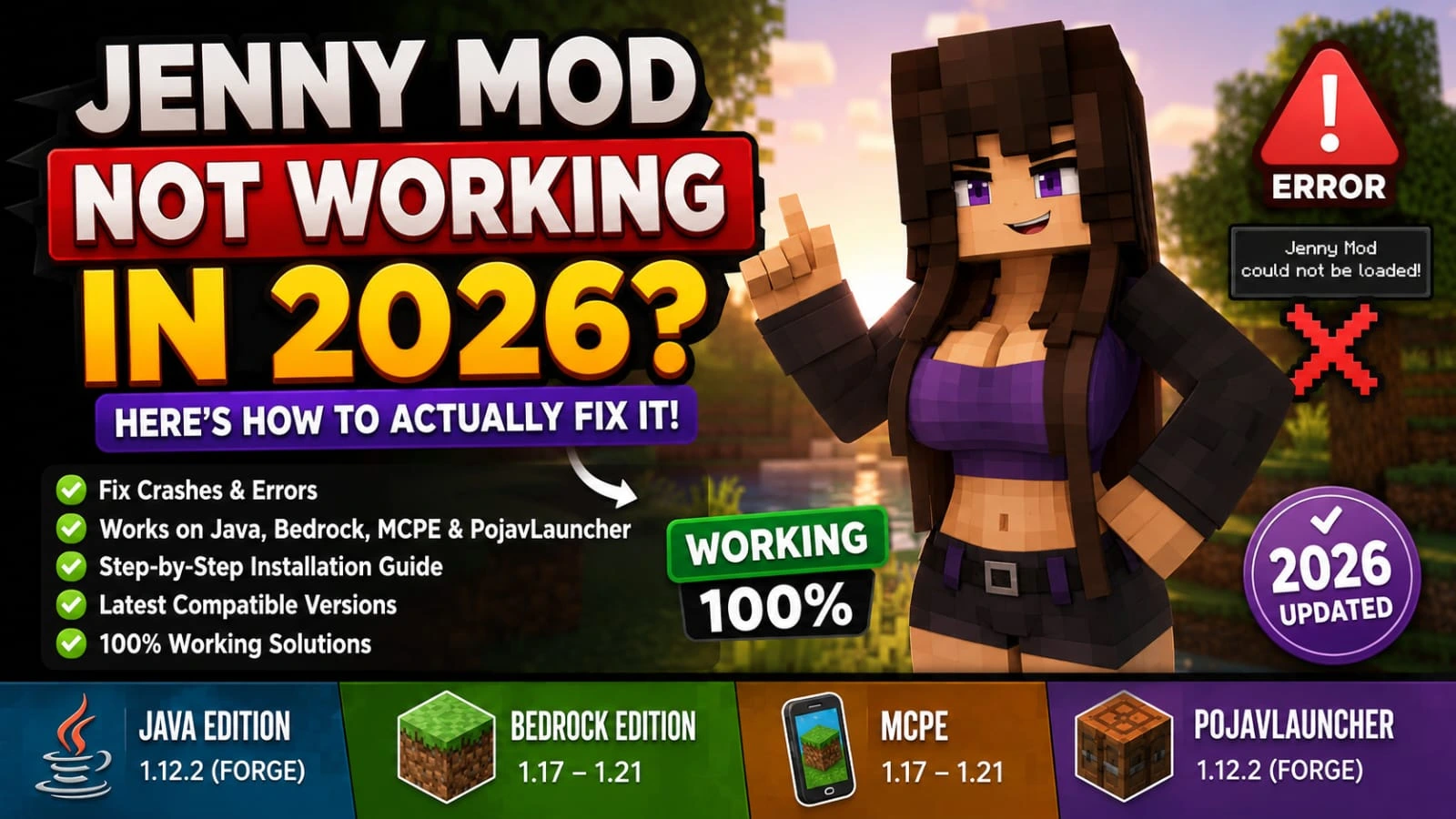
Jenny Mod Not Working in 2026? Easy steps How Actually Fix It
Let’s be honest there’s nothing more frustrating than loading up Minecraft, ready to play, and finding out Jenny Mod not working. Perhaps it was okay before today. Perhaps you’ve just made a change and your game crashes before you even open it. So it doesn’t matter which way you look at it, you’re not doing any wrong, since it happens to thousands of players every time Minecraft or Jenny Mod receives an update.
The positive side is that every time you see a situation where Jenny Mod not working in 2026, it’s for a few reasons that are easily correctable in minutes. This guide includes Java Edition, Bedrock, MCPE and PojavLauncher, regardless of your platform you’ll find your fix here. If you need more information about jenny mod than visit jenny mod java edition.
Jenny’s mod is widely recognized within the minecraft modding community for introducing additional gameplay elements that extend beyond the standard game experience. Its unique approach to customization has made it a frequently discussed topic among minecraft enthusiasts.
Why Does Jenny Mod Stop Working After an Update?
It is important to have an idea of what is actually the problem before even jumping in for solutions. Understanding the root cause is key, because most jenny mod not working issues come from simple and fixable problems rather than serious errors. Most players think that something is very wrong, but in most cases, the problem is one of these:
What Versions Does Jenny Mod Actually Support in 2026?
| Platform | Supported Version | Installation Type |
| Java Edition | 1.12.2 only | Forge + .jar |
| Bedrock Edition | 1.17 – 1.21 | Behavior + Resource Pack |
| MCPE | 1.17 – 1.21 | .mcaddon |
| PojavLauncher | 1.12.2 | Forge + .jar |
| Windows Bedrock | 1.17 – 1.21 | .mcaddon |
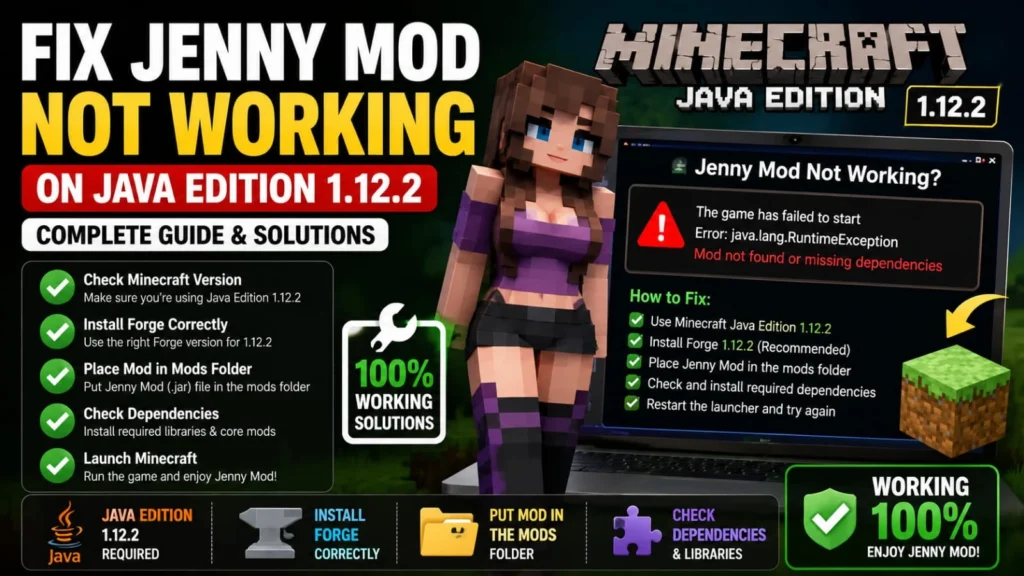
Fix Jenny Mod Not Working on Java Edition 1.12.2:
Java players deal with the most technical setup, but it’s also the most straightforward to troubleshoot once you know what to check. This is why most jenny mod not working issues on Java Edition can be fixed quickly once the correct settings are checked.
Step 1: Make Sure You’re Actually Launching 1.12.2 with Forge:
Click on your Minecraft Launcher and select Installations. Find the profile that has forge and 1.12.2 in its name. If you don’t find one, you must install Forge before .
You will need to start this particular profile when playing Jenny Mod, not the default ‘Latest Release’ profile that points to 1.21.Launching the correct Forge 1.12.2 profile is essential, as using the wrong version is a common cause of jenny mod not working in Minecraft.
Step 2: Clean Out Your Mods Folder Properly:
Open your Minecraft mods folder on your computer.
You can find it inside your Minecraft game files depending on your system. Accessing the correct mods folder is an important step when fixing jenny mod not working issues or managing installations properly.
After opening the folder, you will see all installed mods. From there you can manage or delete any mod you want. Removing unwanted or conflicting mods from this folder can help fix jenny mod not working issues and improve game stability.
Then examine the folder and carefully remove all the files and folders related to “Jenny Mod.” This will involve older versions, duplicate files or suspicious/incomplete downloads.Make sure there is only one clean and updated version of the mod installed. If more than one Jenny Mod file is present in the folder, it can cause Minecraft to crash or not start properly.
Step 3: Reinstall Forge 1.12.2 the Right Way:
No Forge or No Forge equals to Jenny Mod not working and may not load properly even after trying. The correct method is:
Step 4: Install a Fresh Jenny Mod File:
Once your mods folder is empty and Forge has started, insert a NEW copy of Jenny Mod in the mods folder. Don’t use files you downloaded on the last few months, download them again! Using a fresh file helps avoid jenny mod not working issues caused by corrupted or outdated downloads in the mods folder.
The .jar file is simply placed in the mods folder, without being extracted or unzipped. It is recommended to be in between 5 MB and 20 MB. It, if it is smaller, will crash half way through the download, and will be no use whatsoever.
You’ll have to log in with your Forge account, then head into your Mods tab on your MC menu, then ensure that Jenny Mod doesn’t show up in the list. It’s OK if it is there. If something goes wrong here, it can lead to jenny mod not working properly or failing to load in Minecraft.
Step 5: Fix Invisible Jenny or Broken Animations:
If Jenny shows up in the Mods list but is invisible in-game, or her animations look broken, you have a rendering conflict usually a shader pack or a resource pack overriding how custom 3D models display.
You must also have OptiFine installed and you will want to ensure that the Custom Entity Models settings for OptiFine is enabled (ON). Some versions of OptiFine in the last year or so have a default bug that is out of visibility and Jenny is completely invisible. This can also cause jenny mod not working or invisible models, so enabling the correct OptiFine settings is important for proper rendering.
Step 6: Allocate More RAM:
| Problem | Cause | Fix | Recommended Value |
| Freezes after Jenny spawns | Low RAM allocation | Increase memory in launcher settings | -Xmx3G |
| Sudden game crashes | Insufficient JVM memory | Set correct JVM arguments for Forge 1.12.2 | -Xmx4G (if available RAM) |
| Lag during animations | Default Minecraft memory limit | Allocate more RAM in Advanced settings | Minimum 3GB RAM |
| Mod not running smoothly | Poor system allocation | Adjust launcher Run/Memory options | 3GB–4GB stable range |
Fix Jenny Mod Not Working on Bedrock Edition and MCPE:
Bedrock and MCPE use a completely different system. There’s no Forge, no mods folder, no .jar files. Jenny Mod here comes as an .mcaddon file that contains two packs: a resource pack and a behavior pack.
Download the latest Jenny Mod MCPE (.mcaddon) version from a trusted source to ensure proper installation. Using a fresh and trusted download can help avoid jenny mod not working issues caused by corrupted or outdated MCPE files.
Step 1: Take out the Old Jenny Packs Firstpack:
The old Jenny packs have to come out of the way before you use the new .mcaddon file. Otherwise, you will either receive an Import Failed message, or you will find that you have two versions of packs fighting. Removing old packs is important, because leftover files often lead to jenny mod not working or import conflicts in MCPE and Bedrock.
On Android:
Follow the above path to find Android, files, games, com.mojang. Open the resource_packs folder and remove the Jenny folder. Next clone behavior_packs and delete the Jenny folder in there as well. The previous apps tab should be completely dark before taking next action.
On iOS:
Open the Files app, go to On My iPhone or iPad, then open the Minecraft folder. Go into games and then com.mojang. From there, remove the Jenny folder from both resource_packs and behavior_packs. This step helps fix jenny mod not working on MCPE by clearing old packs that may cause import errors or conflicts.
On Windows Bedrock:
There are some easy steps for windows and bedrock:
After doing this, your Minecraft will be clean and ready for the new version without any conflicts. This helps prevent jenny mod not working issues by removing old conflicts and ensuring a clean setup for the new version.
Steps 2: Import the New .mcaddon File:
The old packs have been removed and Minecraft is now closed, click on the new .mcaddon file in your Downloads folder. Minecraft should open, and display the window ‘Importing pack…’. Wait for ‘Successfully Imported’ message in green.
If you get the Import Failed message, the file is corrupt or Minecraft was not closed while importing. Try to re-download the file, but ensure that Minecraft has been fully closed. Here’s a short line you can add.This is one of the most common reasons for jenny mod not working in MCPE and Bedrock.
Step 3: Set Up World Settings Correctly:
This is the step that catches most Bedrock players off guard. Even after a successful import, Jenny mod not working unless your world settings are configured correctly. Tap the pencil icon next to your world to open settings, then:
All three have to be active. Experimental Gameplay being off is probably the most common reason Jenny doesn’t spawn on Bedrock even when everything else looks correct. Keeping all required settings enabled is essential, because Experimental Gameplay being off is a common cause of jenny mod not working on Bedrock.
Step 4: Clear App Cache on Android:
If the above steps don’t work for Jenny Mod, then clear the App Cache for Minecraft on the Android device. Clear Minecraft Storage Clear Caches, Settings > Apps > Minecraft > Storage > Clear Caches.
This does not remove worlds, it is just to remove temporary files in order to prevent a potential conflict with pack loading. Once it has cleared, go back to Minecraft and try again.This step often fixes jenny mod not working issues caused by cache or temporary file conflicts.
Step 5: Make sure the Add-On is installed:
There are many add-ons for MCPE in 2026, some of which directly compete with Jenny Mod’s entity model system. Furniture packs, custom animation packs or player model replacements all cause Jenny to break if they are all turned on at the same time. This is why disabling conflicting add-ons is important, as overlapping packs can often cause jenny mod not working issues or broken models in MCPE.
Identifying the conflict: Disable all of the adduons except Jenny’s two packs, and test whether she’s working or not; then re-enable each add-on to see whether the problem reappears, until the problem is reproduced by removing an add-on.
Fix Jenny Mod on PojavLauncher (Android):
PojavLauncher runs Java Edition on Android, so Jenny Mod setup is the same as desktop same .jar format, same Forge requirement, different file path.This is a common reason behind jenny mod not working on Android if files or Forge are not set correctly.
If the game is laggy if Jayna “Jenny” spawns and freezes in the game, reduce the Render Distance value in the game to 4, disable Smooth Lighting in the game and allocate 1.5GB RAM in PojavLauncher’s Setup. These settings can also help fix jenny mod not working issues caused by lag, freezes, or low performance in-game.
Common Jenny Mod Errors in 2026 and What They Mean:
| Error | Cause | Solution |
| Game crashes the moment it starts loading (Java) | Almost always a duplicate .jar file in the mods folder | Delete everything Jenny-related and reinstall one clean copy |
| Mods list is empty after launching with Forge | Forge isn’t installed or you’re launching from the wrong profile | Reinstall Forge 1.12.2 and make sure you’re selecting the Forge profile in your Launcher, not Latest Release |
| Exit Code 1 or JVM Crash | Java version mismatch. You’re running Java 17 or 21 but 1.12.2 needs Java 8 | Install Java 8 from adoptium.net and point your Forge profile to it |
| Jenny is in the Mods list but won’t spawn | On Bedrock: Experimental Gameplay is off. On Java: incorrect spawn method or Peaceful difficulty | Enable Experimental Gameplay, use the correct spawn method, and make sure difficulty isn’t set to Peaceful |
| Import Failed on MCPE | Minecraft was still running during import, or the file is corrupted | Fully close Minecraft first, then tap the .mcaddon file again |
| Jenny is invisible or model is broken | Shader pack or resource pack conflict | Disable all shaders and extra resource packs, restart the game, and test with just the default pack active |
| World freezes after Jenny spawns. | RAM too low or a conflicting add-on | Increase the -Xmx value in Launcher (Java) or remove the conflicting add-on (Bedrock/MCPE) |
How to Stop Jenny Mod From Breaking After Future Updates:
These habits will save you from going through this process every time an update drops. Following these steps helps prevent most issues related to jenny mod not working after future Minecraft updates.
And if you ever hit a completely dead end game still crashing despite everything create a brand new Minecraft Installation in the Launcher, install only Forge 1.12.2, add only Jenny Mod, and test there. A clean profile eliminates every possible outside conflict and always works.
Q1: Why is Jenny Mod not working in 2026?
Most commonly, Jenny Mod stops working due to version mismatch, outdated Forge, corrupted files, or leftover old mod files in the mods folder.
Q2: What is the main fix for Jenny Mod crashes?
The main fix is to clean your mods folder, reinstall Forge 1.12.2, and download a fresh Jenny Mod .jar file without duplicates.
Q3: Why does Jenny Mod not work after spawning?
This usually happens because of low RAM allocation. Increasing Minecraft RAM to -Xmx3G or -Xmx4G often fixes the issue.
Q4: Why is my MCPE Jenny Mod not importing?
This happens when Minecraft is still running or the file is corrupted. Fully close the game and re-import the .mcaddon file.
Q5: How much RAM does Jenny Mod need?
At least 3GB RAM is recommended for stable performance, while 4GB is ideal for smooth gameplay.
Q6: Why is Jenny Mod not showing in Mods list?
Either Forge is not installed correctly, or you are launching Minecraft from the wrong profile instead of Forge 1.12.2.
Q7: How do I stop Jenny Mod from breaking after updates?
Always delete old files before installing new ones, keep your mods folder clean, and test updates in a new world first.
Conclusion:
The most common problem with 2026 and Jenny Mod are probably related to version mismatch, left-behind files, corrupted downloads or a wrong world settings. When you know exactly what is causing the problem, it is easy to fix it, and typically only takes a couple minutes.This is why most cases of jenny mod not working in 2026 can be fixed quickly once the exact issue is identified.
If you follow the correct steps for your platform whether it’s Java, Bedrock, MCPE, or PojavLauncher Jenny Mod should run smoothly without major issues. A clean installation, the correct Minecraft version, and proper settings are the key things that keep the mod working properly in 2026. Following these steps helps fix most cases of jenny mod not working and ensures smooth performance across all platforms in 2026.